
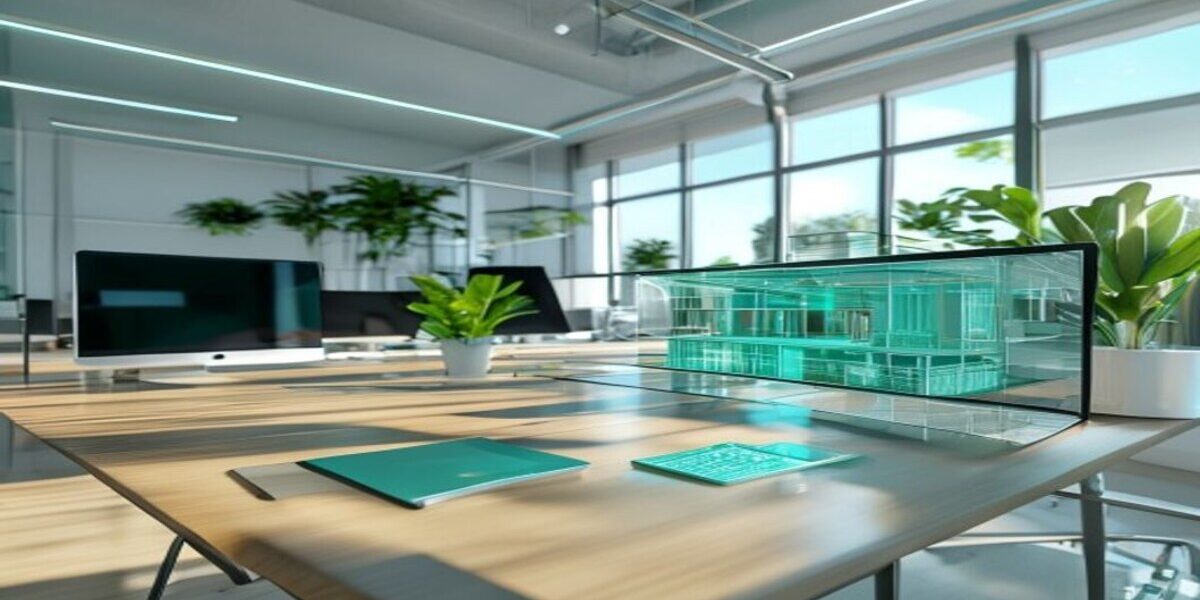
Immersive content sells a space better than any text: a person walks through the room, inspects it from above, or watches a dynamic video with an immersive effect — and makes a decision without visiting the location. But "3D virtual tour" is not a single format, but a whole family: a virtual tour with point-to-point movement, 360° video, panoramic stories, and aerial photography. In this guide, we'll break down how they differ, what tasks they're suitable for, and how to embed any of them on a website without editing the template or hiring a developer.
Which format to choose for your task
Formats do not compete but complement each other. Most often, two or three are combined on one object: for example, aerial photography of the facade for the first screen and a 3D virtual tour of the interior for the product card. The guide for selection:
- 3D tour — when you need to let the client “walk through” inside: real estate, hotels, showrooms, production, museums.
- 360° Video — when dynamics and atmosphere are important: event, excursion, training, process presentation.
- Panoramic Story — when the budget is limited, but you need to show the space beautifully: a quick virtual tour from several spherical shots.
- 360° Aerial Photography — when scale is important: territory, cottage village, industrial site, entire building facades.
3D virtual tour: walk through the premises as if real
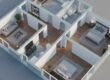
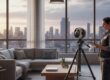
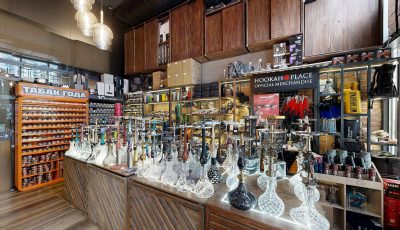
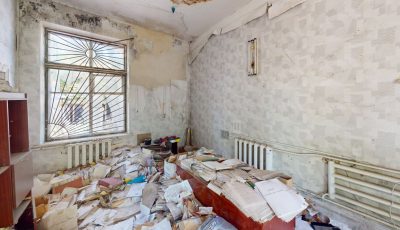
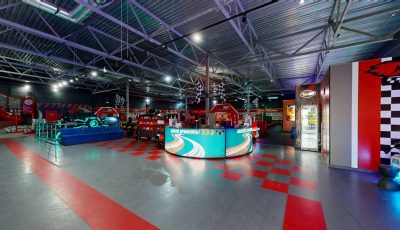
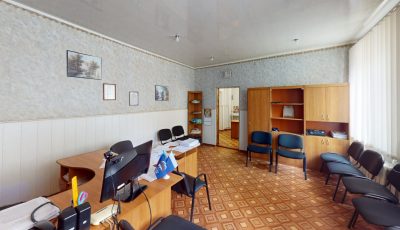
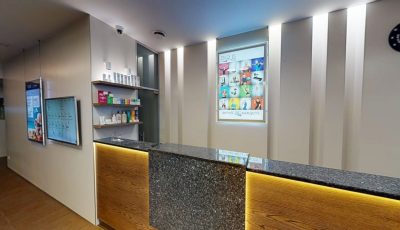
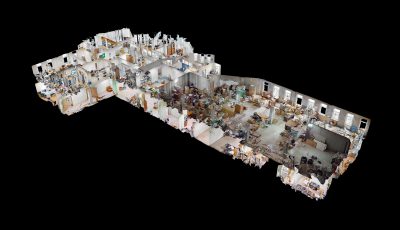
This is the basic format — an interactive model of space with point-to-point navigation, distance measurement, and 'dollhouse' mode. The 360° Space team arrives for shooting with a professional lidar scanner: it measures room geometry with an accuracy of up to 1 cm and captures high-resolution panoramas. One operator processes 200–300 m² per workday, and the finished virtual tour is available 24–48 hours after the visit.
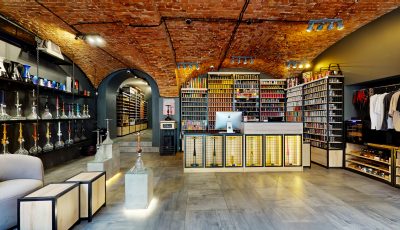
After publication, you receive a link to the virtual tour in the catalog – in full-screen format, without unnecessary interface elements, perfectly suited for embedding. The link looks like https://360space.ru/catalog/object-name/fullscreen/. For example, a live interior virtual tour: loft-house. Inside the virtual tour, you can customize the preview, the starting point of the inspection, and add custom hints – tags with text, links, videos, and photos: for a store, this is a “Buy” button on a product, for a hotel – “Book” on a bed.
360° video: dynamic clip with an immersive effect
360° video is a spherical clip where the viewer chooses where to look: rotating the image with a mouse, finger, or by turning a smartphone. Unlike a point-to-point virtual tour, there is movement and sound here — the format is suitable for events, excursions, educational scenarios, and presenting the 'how it works inside' process. It is shot with a panoramic camera with stitching into a single sphere; the result is delivered via a player with full-screen and VR mode support.
It is embedded just like a virtual tour – as a full-screen link in an iframe. On the website, 360° video works well on the first screen of a landing page or in the “About Us” section, where you need to convey the atmosphere of the place in a few seconds.
Panoramic stories: a virtual tour from spherical panoramas
Panoramic story — a lightweight format: instead of lidar scanning, individual spherical panoramas of key points are captured and linked by transitions into a single virtual tour. It's faster and cheaper than a full 3D virtual tour, and visually almost as impressive: the visitor moves from point to point, examines each one in 360°, reads hints, and opens embedded photos. Technically, it's a krpano virtual tour, which is also provided as a fullscreen link and embedded via iframe.
The format is optimal when there are many objects and they need to be shot in a flow: a chain of cafes, a hotel's room inventory, a series of apartments in a new building – with several panoramas for each, without lengthy post-processing.
360° Aerial Photography: scale from above
Aerial photography solves a problem that cannot be addressed from inside a building — showing the entire object and its surroundings. A drone captures spherical panoramas and flyovers from above: cottage village territory, industrial site, building facades, park area, views of the surroundings. Aerial panoramas are linked with a ground 3D virtual tour into a single scenario — the client first sees the object 'from a bird's eye view,' then descends inside.
This is a powerful tool for developers, resorts, country real estate, and industrial sites where scale, logistics, and location relative to neighboring objects are important.
How to embed any format on a website
The principle is the same for all four formats: you get a fullscreen link and embed it in an iframe code. Most CMS support embedding HTML blocks without template modification — Tilda, WordPress, Bitrix, Webflow, Modx, Joomla. The recommended window height is 500–600 pixels, width is 100% of the container for responsiveness:
<iframe src="https://360space.ru/catalog/loft-house/fullscreen/" width="100%" height="600" frameborder="0" allow="vr" allowfullscreen></iframe>Content automatically adapts to smartphone, tablet, and desktop screens, with VR mode supported via Meta Quest, Pico, and Apple Vision Pro headsets. Hosting is on the 360° Space side: the company's website is not burdened, content is delivered from CDN. For businesses with strict data requirements, customer server hosting and an offline version for exhibitions without internet are available.
Typical mistakes when placing immersive content
- One format for all tasks. 360° video cannot replace a virtual tour, and a virtual tour cannot replace aerial photography. Choose the format based on the goal: dynamics, walking, or scale.
- Content is hidden in the «About Us» section. A visitor from an advertisement will not reach it. The virtual tour or video should be on the first screen or in the card of a specific object.
- Shooting with daylight from the window. You need to shoot with the full lighting scenario turned on — this makes the room look like in the best photos.
- No analytics. Without goals in Yandex.Metrica (“opened virtual tour”, “spent more than 30 seconds”), it will be impossible to calculate the effect after six months.
Frequently asked questions
How is a 3D virtual tour different from 360° video?
In a 3D virtual tour, the viewer moves independently through points in the space and inspects each one, like in a game. 360° video is a clip with movement and sound where you can rotate the image, but the route is predetermined by the shooting. A virtual tour is about independent exploration, video is about atmosphere and dynamics.
Can aerial photography and an interior virtual tour be combined?
Yes, this is a common scenario: aerial panoramas from a drone are linked with a ground 3D virtual tour into a single route — the client sees the object from above, then 'descends' inside. Convenient for developers, country real estate, and recreation centers.
Do I need separate hosting for content?
No, for the cloud format, hosting is included in the service — the company's website is not burdened, content is delivered from our servers via CDN. Placement on the client's server or an offline version are separate options for businesses with strict data requirements.
Does immersive content work on mobile devices?
Yes, the virtual tour, 360° video, and panoramas automatically adapt to smartphones, tablets, and desktops – a separate mobile version of the website is not needed. VR mode is additionally supported via Meta Quest, Pico, and Apple Vision Pro headsets.
How much does a shoot cost and what determines the price?
The cost depends on the format, area, and number of points: a site visit takes 1–3 days, a basic 3D virtual tour starts from 15,000 ₽, panoramic stories are cheaper due to simplified shooting, and aerial photography is calculated separately. The exact amount can be easily estimated using our online calculator.
Order a 3D tour for your property
Leave your contact — we'll respond within 30 minutes and calculate the cost