

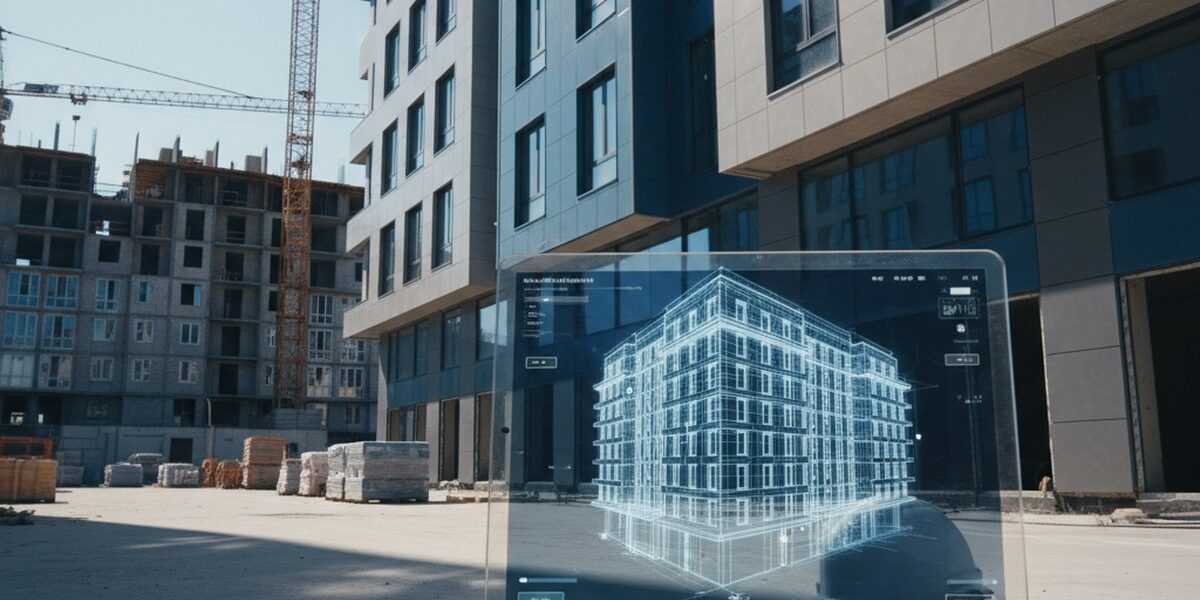
Acceptance of a 3D virtual tour is a tool for the client, technical supervision foreman, and investor who receive an object from the contractor and want to record its actual condition. The guide will be useful for those who are building a cottage, accepting an office for finishing, controlling apartment renovations, or managing an industrial facility. Below are six steps we have refined over dozens of construction projects, and a list of typical acceptance errors.
Step 1. Take a virtual tour before hidden works are closed
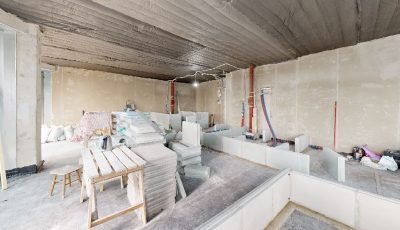
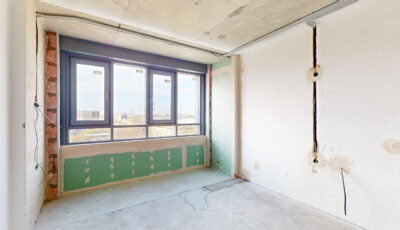
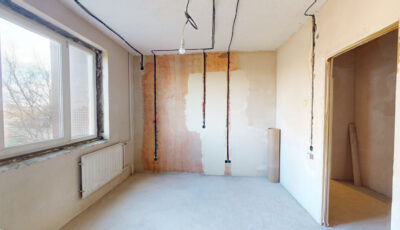
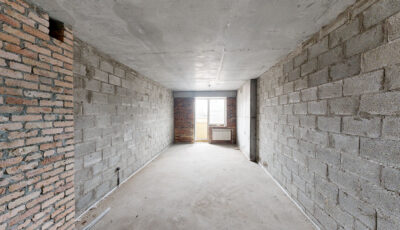
The main pain point of acceptance is hidden works. The screed is poured, tiles are laid, drywall is closed — and it's impossible to prove that there is no insulation underneath or that the wiring is not laid according to the project. A 3D virtual tour solves this by: shooting in stages, before the next layer is covered with finishing.
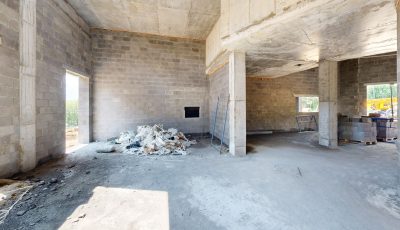
A minimum of three control points: after rough installation of engineering systems (electrical, plumbing, ventilation), after screeding and rough plastering, after finishing. On a 420 m² country house project in New Riga, we did five virtual tours — the client then checked every outlet and pipe against the project without leaving his work in Moscow.
Step 2. Agree on documentation with the contractor
Contractors sometimes get nervous when they hear about 3D scanning. Therefore, it is best to specify the recording in the contract in advance: the date of each virtual tour, who pays, whose measurements are considered final. If this is not available, add an additional agreement before the start of the stage.
The very fact that the object will be scanned by a Matterport scanner usually disciplines the crew. At a construction site in Kazan, the foreman himself asked for access to the link after the first virtual tour — to control his workers and avoid surprises during acceptance.
Step 3. Conduct the shooting correctly
For a virtual tour to be suitable for acceptance, and not just for a beautiful portfolio, three things are important. First, the density of scanning points: no less than every 2 meters, otherwise there will be blind spots. Second, scanning of all technical niches: switchboard, boiler room, attic, basement, shafts. Third, recording the date and time with scan metadata.
A virtual tour with measurements (Matterport Pro2 or Pro3) provides accuracy up to 1%. This means that on a 6-meter wall, the error is no more than 6 cm – enough for acceptance to catch any discrepancy with the project.
Step 4. Verify the virtual tour with project documentation
You open the virtual tour in your browser, and next to it is the floor plan in PDF. Using the measurement tool, you go through the rooms: wall length, ceiling height, window placement, door opening width. You immediately see where the contractor deviated from the project.
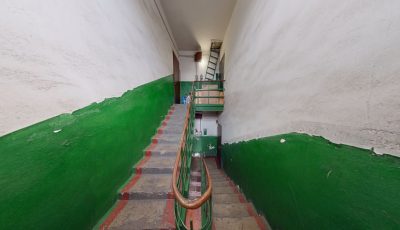
One client from Yekaterinburg found through the virtual tour that the staircase was assembled with a width of 84 cm instead of the projected 90. If this had been discovered after the finishing work, the rework would have cost almost half a million. At the rough installation stage, it was disassembled and reassembled in a week.
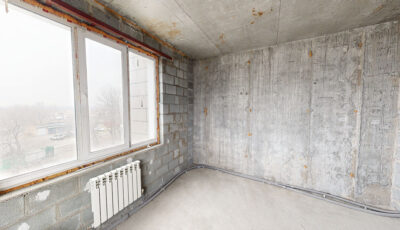
Step 5. Compile a list of comments with coordinates
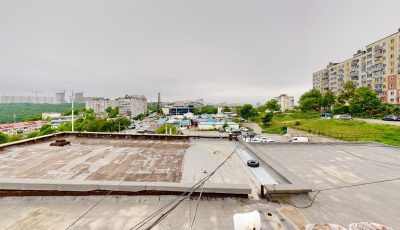
In the virtual tour, each point has an address — coordinates within the 3D model. This allows you to specify in the defect list not “a crack in the bathroom,” but “bathroom on the 2nd floor, north wall near the duct, scan #14.” The contractor will not be able to say “we didn't find it” or “it wasn't like that.”
We usually give the client a link with the ability to leave tags directly in the virtual tour — each comment is highlighted and linked to the location. On an industrial facility of 1800 m², this format reduced the time for defect list approval from two weeks to three days.
Step 6. Save the tour as evidence
The virtual tour after acceptance is legally significant proof of the object's condition on a specific date. If a defect appears six months later that the contractor refuses to recognize as warranty, the virtual tour will show whether it was already present at the time of handover.
We have three storage options: 360° Space cloud with technical support and backup, deployment on the client's server (if it's a restricted object and data should not leave), or offline assembly — a standalone version on a USB drive for PC or a separate build for a VR headset, working without internet. For acceptance, the cloud is usually chosen; for industrial objects with NDA, the client's server; for archive in a safe, offline.
Typical mistakes when accepting through a 3D virtual tour
- One tour at the end. They only photograph the finished object — and lose the opportunity to document hidden works. A minimum of three tours per stage is needed.
- Shooting with a phone or action camera. The result is a panorama without measurements and without reference to the plan. For acceptance, a scanner with lidar or structured light is needed.
- No date in metadata. The contractor will say 'this was filmed after we handed over the object, the defect is yours.' The date and time of fixation must be in the tour itself, not in the file name.
- Technical rooms are not scanned. Boiler rooms, electrical panels, inspection hatches often remain out of frame — and that's where the main flaws are later found. Film everything, including the attic and crawl space.
Frequently asked questions
Does the court accept a 3D virtual tour as evidence?
Yes, with proper documentation. The virtual tour must be made by a certified scanner with the date recorded in the metadata, and the fact of scanning must be documented by an act signed by the parties. We prepare such a package upon request.
How much does a virtual tour cost for accepting a 500 m² object?
Depends on the number of scanning stages and scanning density. One virtual tour for 500 m² with measurements – from 35,000 rubles, a complex of three scans by stages – from 90,000. Accurate calculation for the object via the calculator.
Is it possible to shoot without the contractor present?
You can, if you have access to the object. But we recommend inviting a contractor representative to the shoot and documenting this in an act — then they won't be able to dispute later that the virtual tour was made “not at that object” or “after our work.”
Order a 3D tour for your property
Leave your contact — we'll respond within 30 minutes and calculate the cost