
Virtual tour for a museum and exhibition: digital format of the exposition
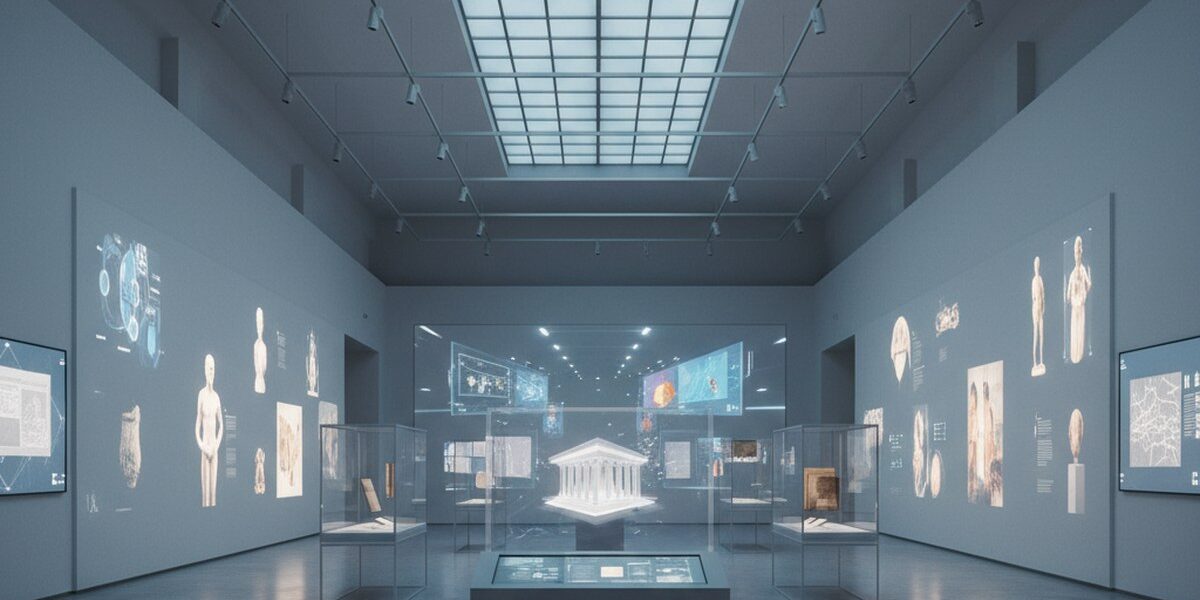
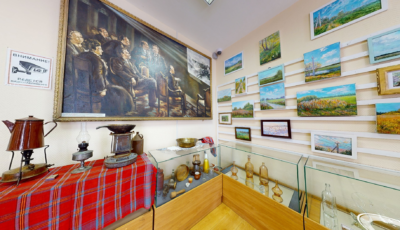
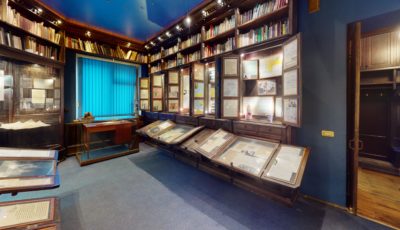
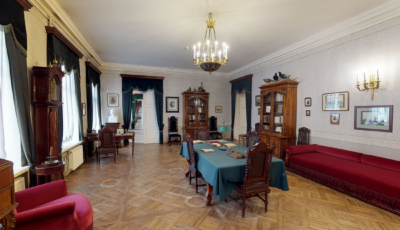
A virtual tour for a museum and exhibition opens new horizons in presenting cultural heritage. At 360° Space, we see how 3D virtual tours are changing the approach to exhibitions, making them accessible to a much wider audience than traditional formats. It's not just an interactive walk, but a full-fledged tool for education, promotion, and preservation. For example, for one of the regional museums in Yaroslavl, we created a virtual tour that allowed them to draw attention to a unique collection of wooden sculptures, previously known only to a narrow circle of specialists.
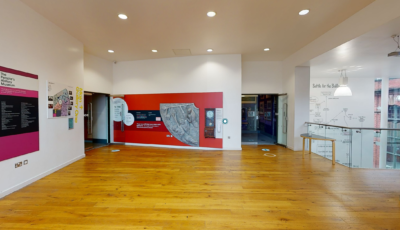
With virtual tours, museums can extend beyond their physical walls, offering visitors a unique experience that cannot be obtained otherwise. This is especially relevant for exhibitions with a limited duration, as a 3D virtual tour allows the exhibition to be 'preserved' and made accessible for a long time.
Why does a museum need a 3D tour?
Implementing a virtual tour offers museums and exhibition centers a number of advantages that are hard to overestimate in the modern world:
- Expanding visitor geography. A virtual tour allows people from all over the world to visit your exhibition without leaving home. For example, one of our clients, a museum in St. Petersburg, after launching a 3D tour, noticed an increase in inquiries from foreign tourists by 15-20% in the first year.
- Increased audience engagement. Interactive elements such as information points, video, and audio guides make exploring exhibits more profound and engaging. According to analytics, the average time spent by a user in a virtual tour can reach 5-7 minutes, which is significantly higher than viewing ordinary photo galleries.
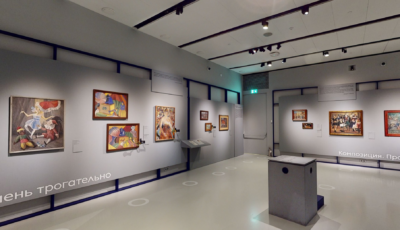
- Preservation of cultural heritage. 3D scanning captures the exhibition in minute detail, creating its digital copy. This is invaluable for preserving the memory of temporary exhibitions or for documenting the condition of museum halls. We did such a project for a contemporary art exhibition that lasted only a month, and now it can be 'visited' at any time.
- New opportunities for education and research. Virtual tours can be used as educational tools for schoolchildren and students, as well as a tool for scientific research, allowing detailed study of objects without physical access. This is especially valuable for fragile or hard-to-reach exhibits.
- Attracting sponsors and partners. Modern, technological solutions demonstrate the museum's progressive nature, which increases its attractiveness for potential investors and grant providers. The presence of a high-quality 3D tour can be a significant argument in negotiations.
How it works: the 3D virtual tour creation process
Creating a high-quality virtual tour is a multi-stage process that requires professional equipment and experience. At 360° Space, we have developed a refined methodology:
- Preparatory stage. We discuss with you the goals and objectives of the tour, the number of shooting points, and the need for interactive elements (infopoints, video, audio). For a museum, this can be important to highlight key exhibits or routes.
- Site visit and shooting. Our team arrives at the museum or exhibition with a professional 3D scanner (e.g., Matterport Pro3) and panoramic cameras. Scanning one hall of 100-200 m² usually takes 1-2 hours, depending on the complexity of the space and the number of details. When scanning a large exhibition complex in Moscow with an area of more than 1000 m², we worked with two teams to complete it within one working day and not interfere with preparation for the opening.
- Processing and assembly. The captured material is uploaded to specialized software, where panoramas are 'stitched,' a 3D model of the space is built, and color and light are corrected. Then we add all agreed-upon interactive elements: pop-up windows with exhibit descriptions, links to external resources, video, and audio tracks.
- Testing and approval. The finished tour undergoes internal testing by our specialists, after which you receive access for final review and making corrections. We always strive for the result to fully meet your expectations.
- Publication and placement. After approval, the virtual tour is published. We offer several hosting options: (1) on high-speed 360° Space servers with technical support, (2) on the client's server if you have your own infrastructure, or (3) as an offline version for PC or a separate build for VR headsets, which works without internet. For example, for one exhibition, we were asked to create an offline version for demonstration on touch kiosks, which allowed them to work on site without relying on internet connection quality.
The entire process, from initial consultation to the finished tour, usually takes 5 to 15 business days, depending on the project's scale and the complexity of interactive elements.
How much does a virtual tour for a museum cost?
The cost of a virtual tour for a museum or exhibition depends on several key factors: the area of the object, the number of shooting points, the complexity of interactive elements, and the chosen placement format.
We offer a flexible pricing policy so that every museum can find a suitable solution. Basic projects for small halls can start from 25,000 ₽, while complex virtual tours for large exhibition spaces with extended functionality can cost significantly more. For an accurate calculation of your project's cost, we recommend using our online calculator or contact us directly for a personalized consultation. We are always ready to offer the optimal solution based on your budget and tasks.
Frequently asked questions
Q: Can I integrate a virtual tour into my website?
A: Yes, of course. All our virtual tours can be easily embedded on any website using a simple HTML code. This allows your visitors to view the tour directly on your platform, without navigating to third-party resources.
Q: How long is a virtual tour stored?
A: We offer various hosting options. If you use the 360° Space cloud, your virtual tour will be available as long as you use our services. It's also possible to host it on your server or create a standalone version that doesn't require constant online access.
Q: Can I add information to the tour myself after it's created?
A: In most cases, interactive elements are added by us during the virtual tour creation stage. However, for some projects, we can implement functionality that allows you to independently edit text descriptions or change media files in infopoints through a convenient control panel. Discuss this possibility with our manager.
Order a 3D tour for your property
Leave your contact — we'll respond within 30 minutes and calculate the cost