
How Matterport works: shooting, processing, results in 24 hours
This guide will be useful to owners of restaurants, hotels, showrooms, realtors and marketers - anyone who wants to understand how a working matterport 3D tour appears from an empty room in 24 hours with a link that can be posted on social networks or embedded on a website. I’ll tell you without marketing: what actually happens on the site, where the processing time goes and where the client most often loses quality due to minor mistakes.
Over the past year, we have photographed more than 90 properties on Matterport - from studio apartments to a 4,500 m² warehouse. The scheme is almost always the same, the nuances differ.
Step 1. Preparation of the facility and technical specifications
Before the film crew leaves, we agree on the list of zones, light and purpose of the tour. If this is a restaurant, we discuss whether display cases with dishes are needed (a client from Kazan asked to shoot after setting the tables, so we had to shift the shift to 11 am). For real estate - we remove personal belongings, turn on all the lights, turn off mirror TVs.
At the same stage, we record where the finished tour will go: only to the website, to VR glasses for the exhibition, or to the client’s server with closed access. The final export—and therefore the processing time—depends on this.
Step 2: Shoot with the Matterport Pro3
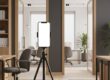
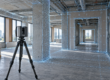
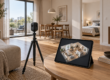
We put the camera on a tripod, fix the first point, and then use the app to take a 360° scan in 20 seconds. We place points every 1.5–2.5 meters. A room of 200 m² means about 40–60 scans and 2 hours of work for one operator.
On large objects (warehouse, car showroom, museum) we work in pairs - one operator controls the camera, the second makes sure that people do not get into the frame. The application immediately shows a preview of the passability - if the operator missed a pass somewhere, this can be seen in real time.
A separate point is lighting. Matterport does not handle contrasting scenes well: bright window + dark corner = light and noise. When filming the showroom on Leninsky, we covered the windows with a diffuser film - otherwise the prices on the price tags would have disappeared on the scan.
Step 3. Upload to the cloud and automatic gluing
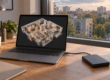
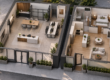
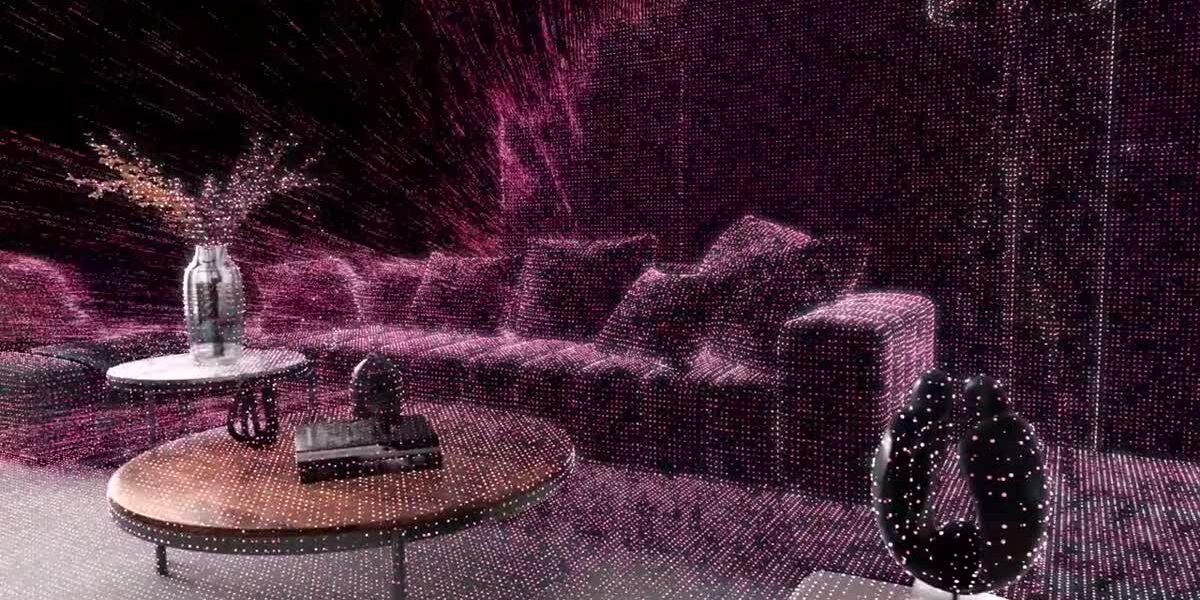
After the last scan, click “Upload” - the data goes to the Matterport cloud. Then the algorithm itself collects the points into a single 3D model: it builds a mesh of the room, stitches together panoramas, and calculates geometry.
The gluing time depends on the number of points. Apartment 60 m² - 40 minutes. Restaurant 600 m² - about 4 hours. The 4,500 m² warehouse was assembled overnight. No human participation is required at this stage - but that is why it is important to shoot cleanly, because it is impossible to “tweak” the algorithm after the fact.
Step 4. Post-processing and branding
When the model is ready, the manual part begins. We cut off areas where the client does not want to allow the viewer (utility rooms, service doors). We place Mattertags - interactive tags with a description, photo or link to the product card. For an online furniture store, we installed 47 tags - each one leads to a product page with a price in rubles.
Next comes branding: client logo, custom start screen, music (on request). If the tour goes for offline screening for the Meta Quest VR headset, we will prepare a separate assembly without Internet dependencies. This is plus 3–5 hours of work.
Step 5: Publishing: Three Posting Options
We give the finished matterport 3d tour to the client in one of three formats, and this is a fundamental point:
- Cloud 360° Space — the tour is on our servers with technical support. The client receives a short link and an iframe for embedding on the site. Suitable for most - no need to administer anything.
- Client server — the tour takes place on the client’s infrastructure. Relevant for banks, government agencies and corporate customers, where data should not go outside.
- Offline — a standalone version for PC or a separate assembly for a VR headset. Works without the Internet. We are often asked for this format for exhibitions and roadshows - recently we were preparing an assembly for a stand at Innoprom.
Step 6. Acceptance and transfer to the client
We send the client a link and call for 15 minutes - we show how to edit tags, change descriptions, add new photos. Then the owner manages the tour himself through his personal account.
If everything was ready for shooting and the object does not exceed 500 m², we take 24 hours from the departure of the crew to the finished link. For large objects or complex branding – 2–3 days.
Examples of ready-made matterport tours
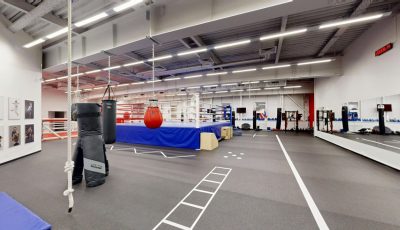
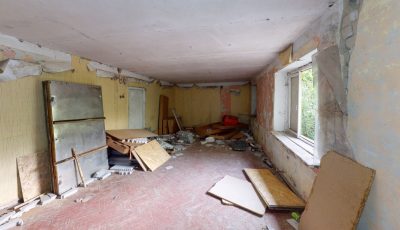
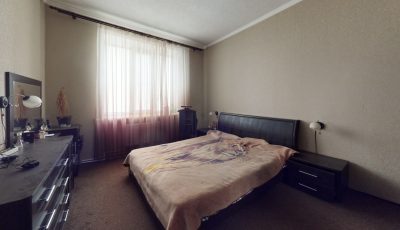
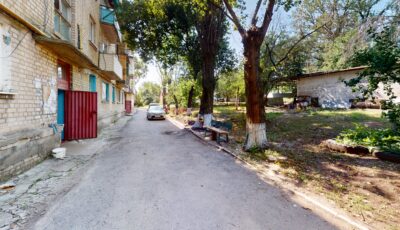
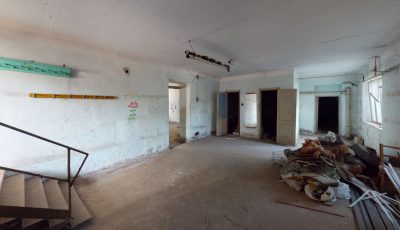
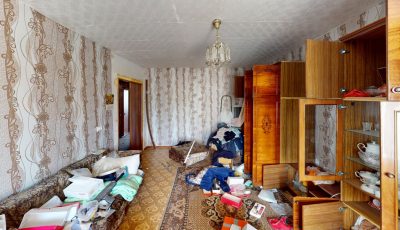
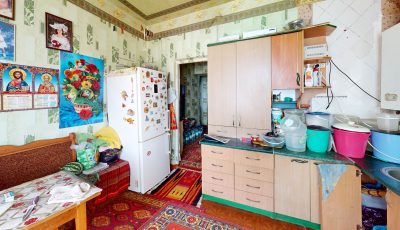
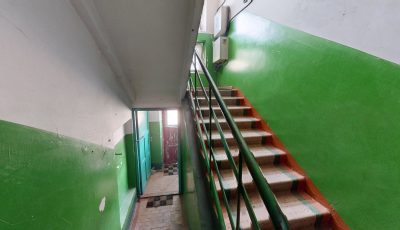
Below are the latest projects we shot. Open from any device; Meta Quest or Pico are suitable for VR.
Common mistakes when shooting Matterport
I have collected the things that most often result in reshooting or getting an ugly result:
- Shooting points too rare. If you place the camera every 4-5 meters, the algorithm does not have time to “sew” the geometry - the tour turns out with dips and strange transitions. The optimum is 1.5–2.5 m between points.
- People and movement in the frame. Matterport doesn't understand movement. A passerby or waiter in the frame turns into a “ghost” with distorted geometry. Make arrangements to shoot before the facility opens.
- Mirrors and glass doors. The camera perceives the mirror as a passage, and the algorithm begins to build “phantom” rooms. It is better to cover large mirrors with a cloth while shooting.
- Change of light in the middle of shooting. If you first filmed during the day, then it got dark, the dots will not stick together in color. We keep one lighting mode for the entire session.
Frequently asked questions
How much does a matterport 3d tour cost?
The price depends on the area, number of points and amount of branding. Landmark - from 15,000 ₽ for a small object. It is more convenient to make an exact calculation using the calculator on the website.
Is it possible to embed a tour on your website?
Yes, we provide an iframe code that can be inserted into any website - Tilda, WordPress, Bitrix, or a custom engine. The tour adapts to the width of the block.
What if the property does not have internet?
We are preparing an offline version - a standalone build for PC or a separate build for a VR headset. Works without a network, suitable for exhibitions and presentations in the field.
Order a 3D tour for your property
Leave your contact — we'll respond within 30 minutes and calculate the cost